
Leading visual AI models through one API
Browse production-ready image and video models with unified auth, consistent request patterns, and developer-first pricing.
Model catalog
32 models found
 GoogleSave 40-47%
Gemini 3.1 Flash Image Preview
Image
Gemini 3.1 Flash preview image generation and editing with size-controlled 512, standard, 2K, and 4K outputs.
Price
from 4 Credits/image (from 4 credits)
GoogleSave 40%Gemini 3.1 Flash Lite Image
Image
Gemini 3.1 Flash Lite Image generation and editing for high-volume products where speed and low cost matter most.
Price
2 Credits/image (2 credits)
 GoogleSave 40%
Gemini 3 Pro Image Preview
Image
High-quality Gemini 3 Pro image generation and editing for premium product visuals, with standard, 2K, and 4K outputs controlled by size.
Price
from 8 Credits/image (from 8 credits)
 GoogleSave 49%
Gemini 2.5 Flash Image
Image
Fast Gemini image generation and editing for low-latency product workflows.
Price
2 Credits/image (2 credits)
 ByteDanceSave ≤22%
Seedream 5.0 Pro
Image
Seedream 5.0 Pro image generation and editing through Pixapi's OpenAI-compatible image endpoints.
Price
from 4 Credits/image (4 credits/image)
 ByteDanceSave 14%
Seedream 5.0 Lite
Image
Seedream 5.0 Lite image generation and editing through Pixapi's OpenAI-compatible image endpoints.
Price
3 Credits/image (3 credits/image)
 Alibaba
Qwen Image 3.0
Image
Qwen Image 3.0 image generation and editing through Pixapi's OpenAI-compatible image endpoints.
Price
3 Credits/image (3 credits/image)
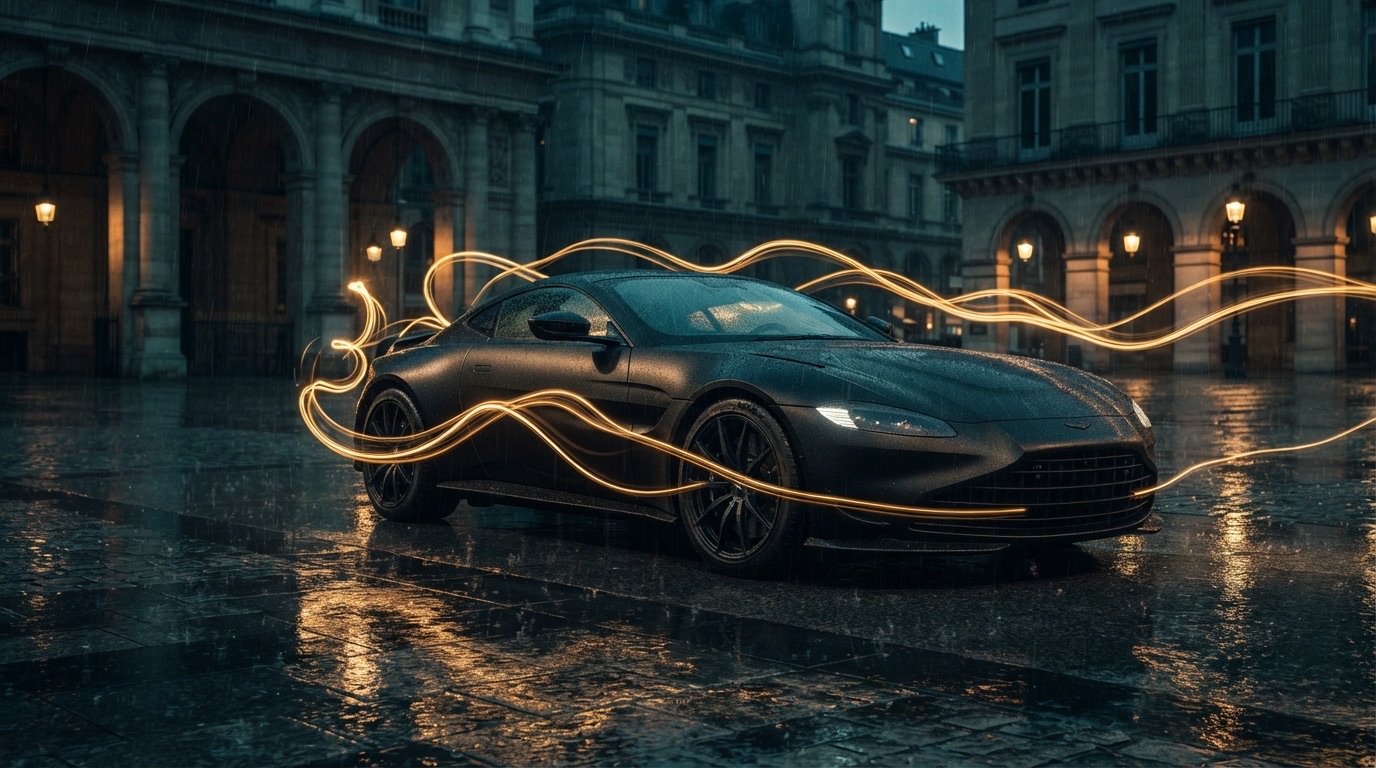 Black Forest LabsSave ≤20%
FLUX.2 Pro
Image
FLUX.2 Pro image generation and editing with 1MP through 4MP resolution controls.
Price
from 3 Credits/image (3 credits/image)
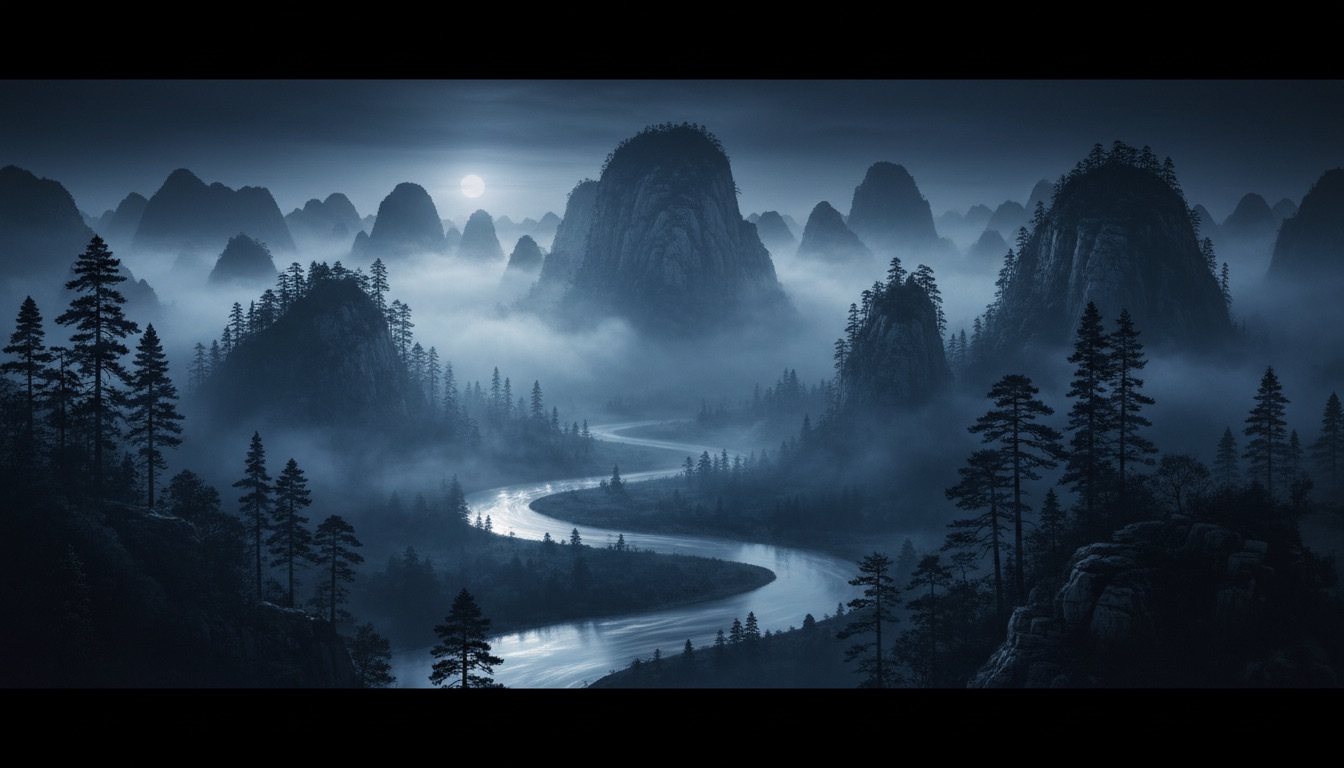 Alibaba
Wan 2.7 Image
Image
Wan 2.7 Image image generation and editing through Pixapi's OpenAI-compatible image endpoints.
Price
3 Credits/image (3 credits/image)
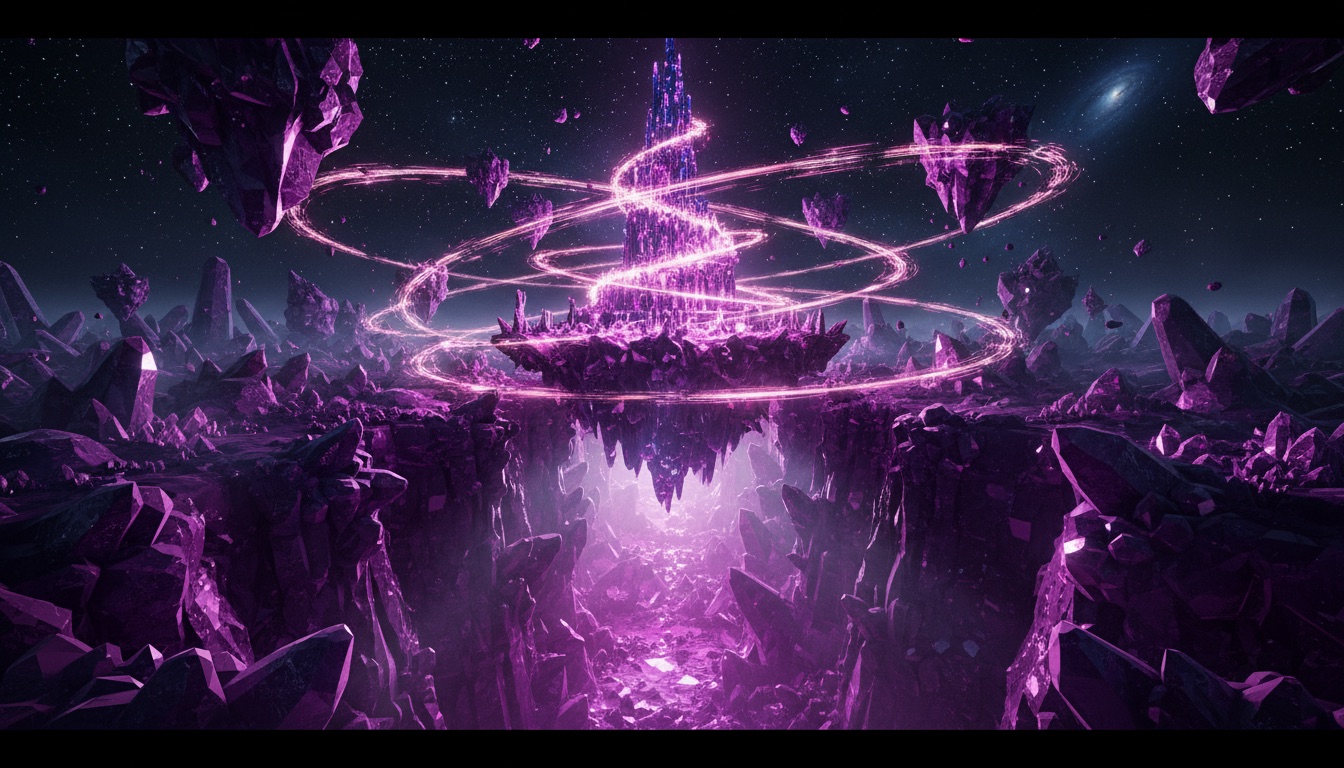 Black Forest LabsSave ≤20%
FLUX.2 Max
Image
FLUX.2 Max image generation and editing with 1MP through 4MP resolution controls.
Price
from 6 Credits/image (6 credits/image)
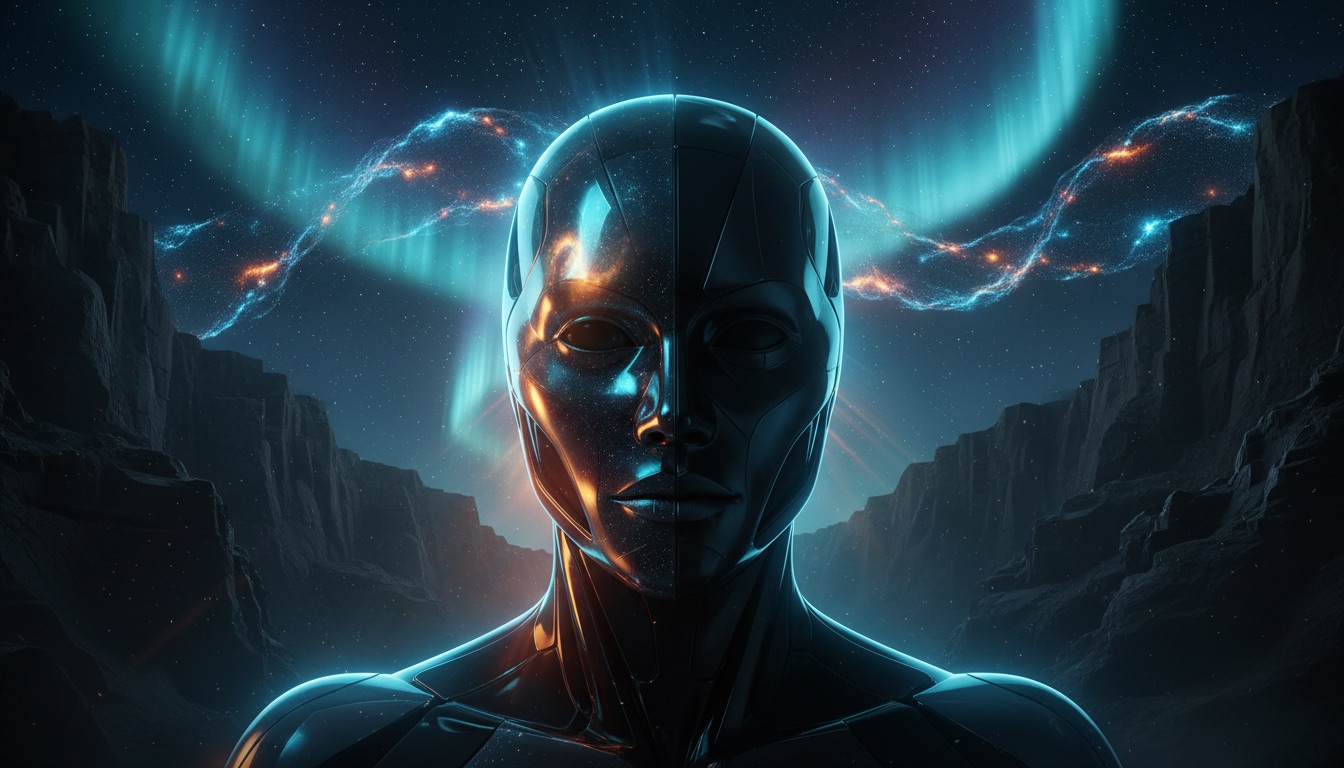 xAI
xAIGrok Imagine 2.0 Ext
Image
Grok Imagine text-to-image generation through Pixapi.
Price
2 Credits/image (2 credits/image)
 OpenAISave 20-34%
GPT Image 2.5 Flare
Image
Flare is the speed-oriented GPT Image 2.5 model for rapid prototyping, product variations, and high-volume visual workflows. Pixapi uses the same endpoints, request parameters, and credit matrix as gpt-image-2. Change only the model ID to use this model.
Price
from 1 Credit/image (from 1 credit)
OpenAISave 20-34%GPT Image 2.5 Sunburst
Image
Sunburst is the quality-oriented GPT Image 2.5 model for detailed product compositions, campaign assets, and precise reference-led editing. Pixapi uses the same endpoints, request parameters, and credit matrix as gpt-image-2. Change only the model ID to use this model.
Price
from 1 Credit/image (from 1 credit)
 AlibabaSave 7%
Wan 2.7 Image Pro
Image
Wan 2.7 Image Pro image generation and editing through Pixapi's OpenAI-compatible image endpoints.
Price
7 Credits/image (7 credits/image)
 Black Forest LabsSave 20%
FLUX.2 Flex
Image
FLUX.2 Flex image generation and editing with 1MP through 4MP resolution controls.
Price
from 4 Credits/image (4 credits/image)
OpenAISave 20-34%GPT Image 2
Image
OpenAI image generation and editing model with quality tiers, custom sizes, and strong prompt adherence.
Price
from 1 Credit/image (from 1 credit)
 ByteDance Seed
Seedance 2
Video
Seedance 2 video generation with audio sync, first/last frames, and multimodal references.
Price
from 8 Credits/sec (8 credits/sec)
ByteDance SeedSeedance 2 Fast
Video
Seedance 2 video generation with audio sync, first/last frames, and multimodal references.
Price
from 6 Credits/sec (6 credits/sec)
ByteDance SeedSeedance 2 Mini
Video
Seedance 2 video generation with audio sync, first/last frames, and multimodal references.
Price
from 4 Credits/sec (4 credits/sec)
 GoogleSave 20%
Veo 3.1 Quality
Video
Google video generation for realistic motion, camera movement, and product storytelling.
Price
from 32 Credits/sec (32 credits/sec)
GoogleSave ≤20%Veo 3.1 Fast
Video
Google video generation for realistic motion, camera movement, and product storytelling.
Price
from 8 Credits/sec (8 credits/sec)
GoogleSave ≤20%Veo 3.1 Lite
Video
Google video generation for realistic motion, camera movement, and product storytelling.
Price
from 4 Credits/sec (4 credits/sec)
 KuaishouSave ≤17%
Kling V3
Video
Kling video generation for expressive motion, subject control, and creative product clips.
Price
from 9 Credits/sec (9 credits/sec)
KuaishouSave ≤20%Kling V3 Omni
Video
Kling video generation for expressive motion, subject control, and creative product clips.
Price
from 9 Credits/sec (9 credits/sec)
KuaishouKling 3.0 Turbo
Video
Kling video generation for expressive motion, subject control, and creative product clips.
Price
from 12 Credits/sec (12 credits/sec)
 xAI
xAIGrok Video 3
Video
Grok video generation for short clips from text or image prompts.
Price
from 5 Credits/sec (5 credits/sec)
 Alibaba ATHSave ≤7%
 Alibaba ATH
HappyHorse 1.1
Video
HappyHorse video generation with text-to-video, image-to-video, reference, and edit modes.
Price
from 13 Credits/sec (13 credits/sec)
 Alibaba
Wan 2.6 Flash
Video
Wan 2.6 video generation for creative scenes, camera transitions, and structured prompts.
Price
from 5 Credits/sec (5 credits/sec)
AlibabaSave ≤10%Wan 2.6
Video
Wan 2.6 video generation for creative scenes, camera transitions, and structured prompts.
Price
from 9 Credits/sec (9 credits/sec)
xAIGrok Video 1.5 Preview
Video
Grok video generation for short clips from text or image prompts.
Price
from 8 Credits/sec (8 credits/sec)
 OpenAISave 20-30%
GPT Image 1.5
Image
GPT Image 1.5 image generation and editing with strong prompt adherence, text rendering, and commercial composition.
Price
from 1 Credit/image (from 1 credit)
 Stability AI
Stable Diffusion 3.5 Large Turbo
Image
Fast Stable Diffusion 3.5 Large image generation and editing.
Price
4 Credits/image (4 credits/image)
AI model catalog guide
Use the AI model catalog to choose the right visual route
The Pixapi AI model catalog helps teams compare image and video routes before they write production code.